
SARTrack Android App
Download
SARTrack is currently not available from the Google Play store. You can safely download and install it directly from the SARTrack web site.
Requirements: a phone or tablet running Android 8.0 or higher. Download it on the Android device itself. If your organisation needs iPhone compatibility, please contact Support to discuss this.
Or scan this QR code with your Android device:
Please read the Privacy statement. The SARTrack App is updated continuously while development continues.
What does it do?
The SARTrack App is for the people in the field. It works within the SARTrack system: it connects to your organisation's SARTrack Database Server, and cannot be used on its own.
It is made for places without coverage: what you do without a connection is kept on the phone, and sent as soon as it is back in range of the local WiFi or the mobile network.
Map
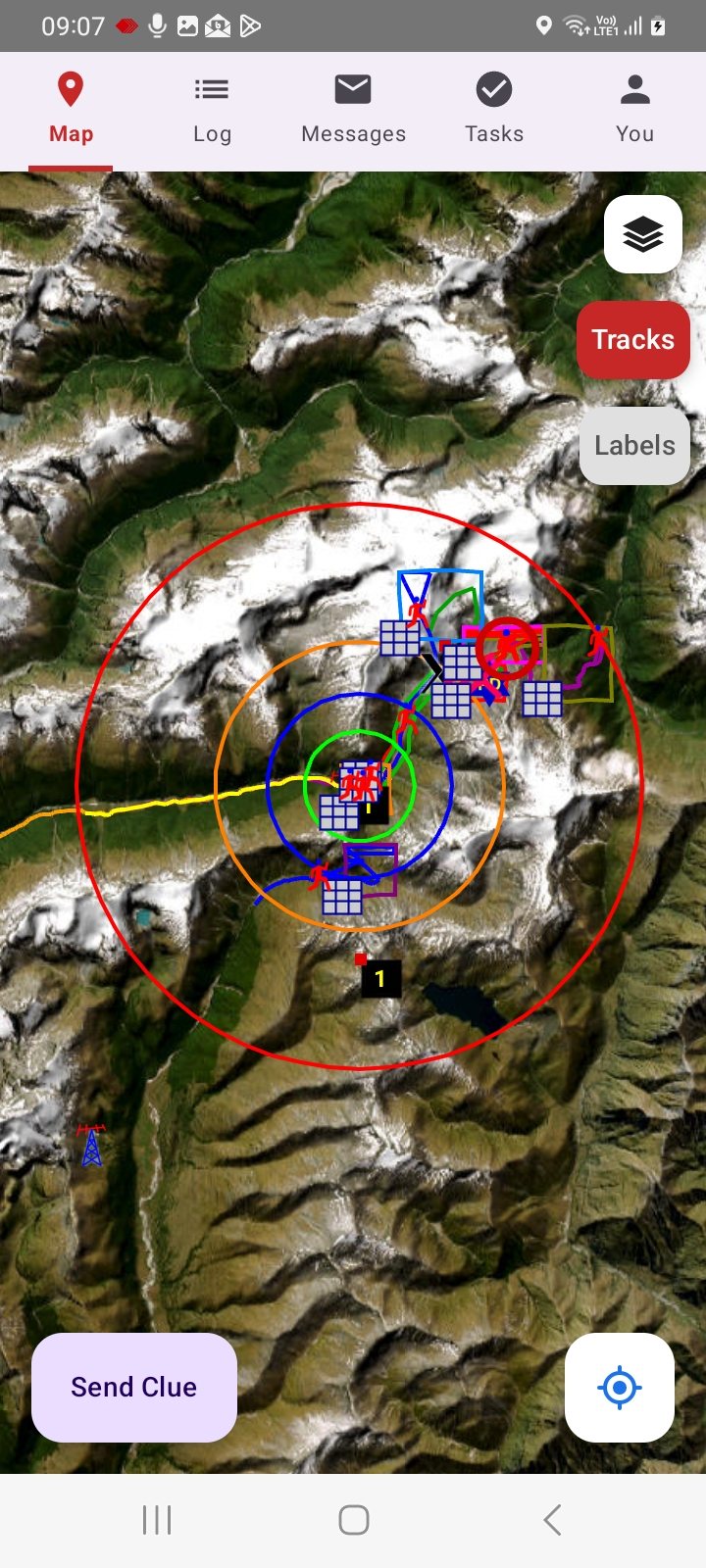
- The Teams, Objects, search areas, Clues and the IPP / LKP / PLS circle systems of the Operation, with SARTrack's icons.
- SARTrack's maps, through your Server (in New Zealand also the LINZ maps). Tracks and Labels can be switched on and off.
- Download an area beforehand, for use without a connection.
Log, Messages and Tasks
- Log: the Operations Log, and new Log entries from the field (with your position when the phone has one). An App-only login sees its own Team's and its own entries.
- Messages: send and receive messages, to a station or Unit, or to everyone in your organisation.
- Tasks: the Operation's Tasks, your Team's first, with their search area on the map.
- A notification (with SARTrack's sounds) for a new message, a new Task for your Team, and a Log entry for you or your Team, also when the App is closed.
Call-out
- Your organisation calls you out through the App: a message to everyone, or to you, arrives at once with a notification and SARTrack's sound, also when the App is closed.
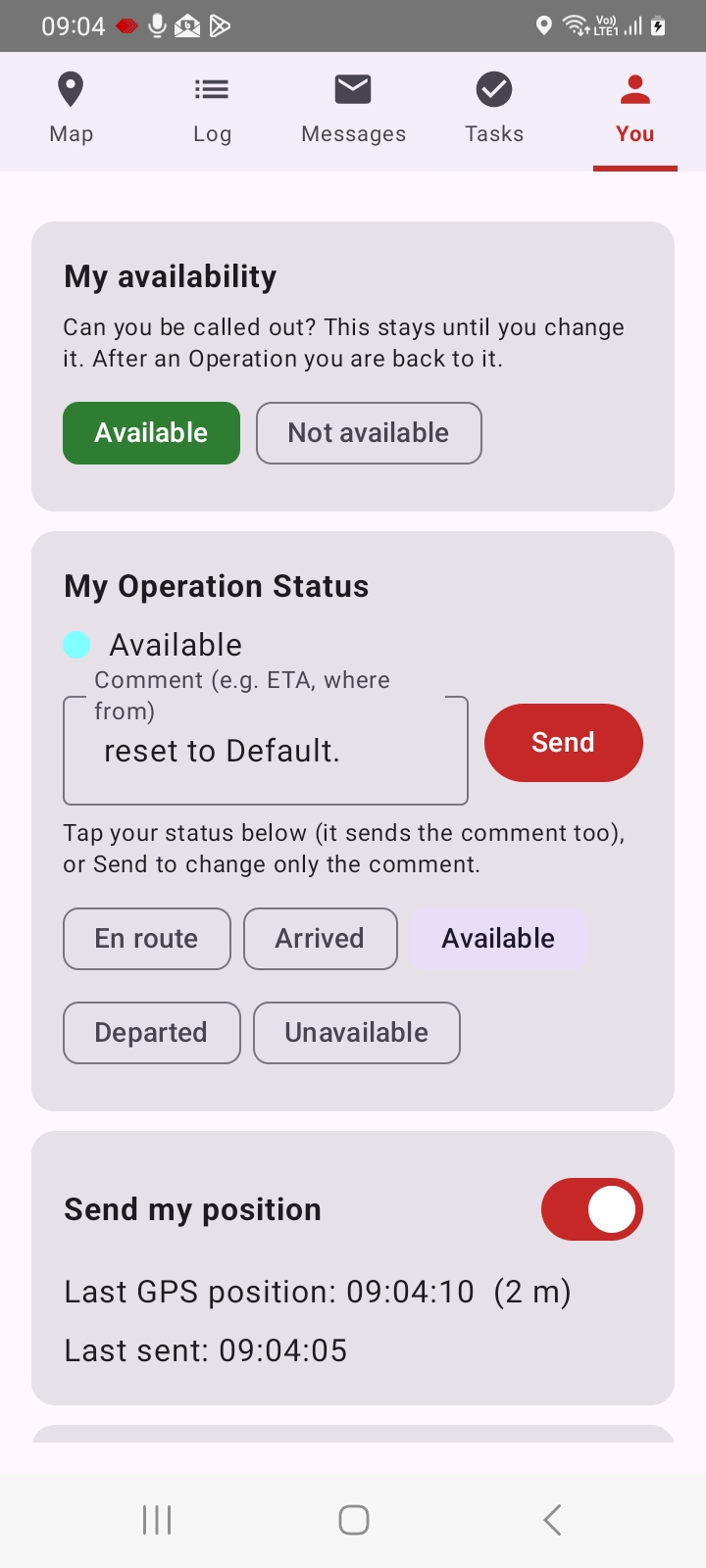
- Set yourself Available or Not available to be called out. It stays until you change it, and SARTrack's Personnel window shows it, so the organisation knows whom it can call.
- Answer straight from the App with a message, and set your status as you respond.
Your status, your position, a Clue
- Your status in the Operation: En route, Arrived, Available, Departed or Unavailable, with a comment (an ETA, where you come from). SARTrack shows it at once.
- Sends your position to the Server while Send my position is on, using little battery.
- Send a Clue with a photo, at the spot where you are.
Your login codes
- The App is the authenticator for the SARTrack web site: Supervisors log in there with their password and a 6-digit code from the App (2-step login).
- The code is worked out on the phone and changes every 30 seconds: it needs no internet, so it also works on a Local Server in the field.
- Pair the phone once: see Pairing the phone.
Help
How the App works, how to set it up and how to use it: see SARTrack App: help.